|
|
 Email this Page | Email this Page |  Write to us Write to us
Cropping
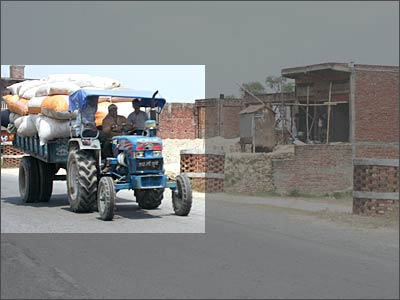
To get rid of unnecessary subjects or space in the picture, you can remove them by using the Crop tool. Here's how to do it:
~Open the image in Photoshop
~Press [C] on your keyboard to select the Crop tool
~Select the area you wish to keep on the image
~Press [Enter] on the keyboard, and you'll have the image cropped to the selection.
Also Read: Top ten digital cameras
|
|
|
 Advertisement