

5 simple ways you can prevent protect your passwords from being stolen by hackers.
Massive data leaks highlight the urgent need for robust password security.
The recent reported exposure of over 183 million email passwords, including millions of Gmail accounts, has sent a clear message -- the era of lax password habits is over.
Dubbed one of the biggest credential dumps ever, this incident was reportedly not a direct hack of major email providers but the staggering result of widespread 'infostealer' malware.
Google has since denied the Gmail breach, but that does not take away from the importance of having a strong password. After this report, Gmail too has requested its users to enable the two step verification process.
Malicious networks secretly siphon logins from infected devices, with criminals then using 'credential stuffing' (an automated cyberattack where stolen username-password pairs are tested across many different websites) to compromise users across their entire digital footprint -- from banking to social media.
With even recycled credentials proving dangerous, the security wake-up call is now.
This guide provides essential, immediate steps you must take to fortify your accounts, prevent future breaches and reclaim control over your digital security.
As recent reports show, millions of passwords are being harvested not through direct corporate hacks but via insidious 'infostealer' malware that silently captures credentials right off personal devices.
This unprecedented data exposure is a stark reminder that personal password security is the ultimate frontline defence.
Protecting your email, bank accounts and social media requires a robust strategy -- one that goes far beyond simply choosing a complex combination of characters.
Here is a comprehensive, essential guide to fortifying your digital life against the relentless threat of cybercrime.
1. The core defence: Unique, complex, long
The single most critical step in password security is abandoning the dangerous habit of reuse.
When an attacker acquires one password, they use automated 'credential stuffing' programmes to test that same login on dozens of your other services -- from shopping sites to banking portals.
A single breach can compromise your entire digital identity. So, remember:
i. Uniqueness is non-negotiable
Every single online account -- email, bank, social media, work -- must have its own unique password.
ii. Prioritise length
Current security standards emphasise length over complexity.
A strong password should be at least 16 characters long.
While including special characters, numbers and both cases is helpful, a long phrase or a random string is far more resilient.
Use a passphrase: Consider using a 'passphrase' -- a string of unrelated words -- which is easier to remember but exponentially harder for a hacker to guess.
2. The essential layer: Multi-factor authentication
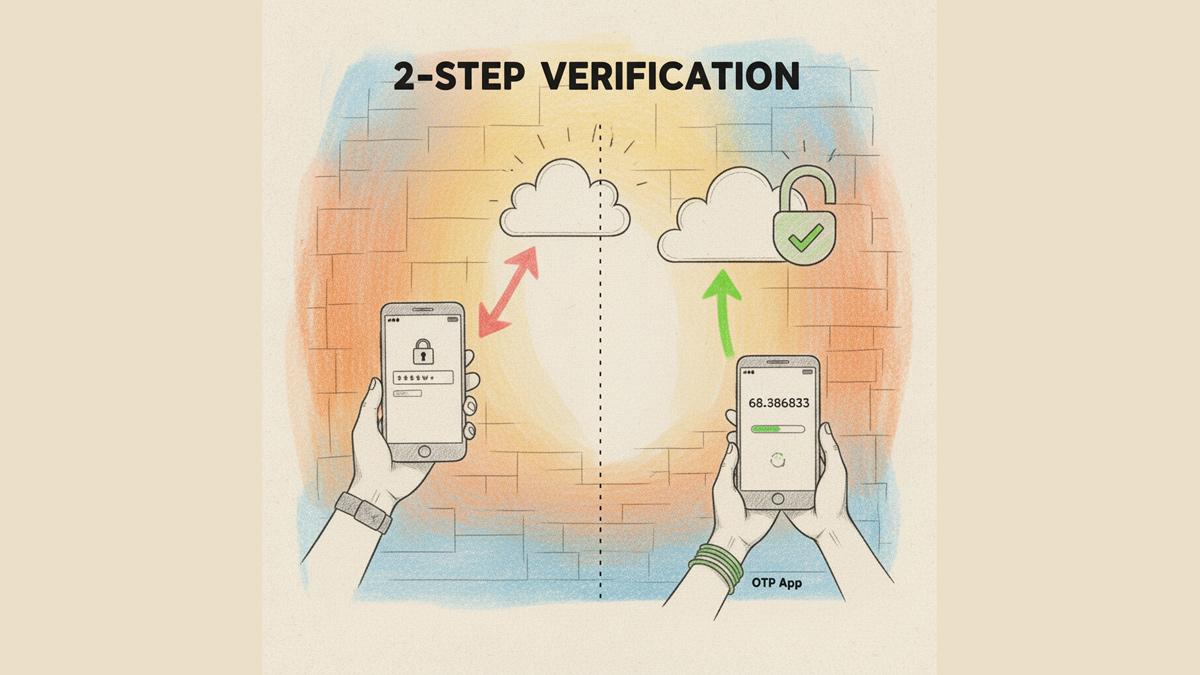
Even the strongest password is fallible, especially against sophisticated malware attacks.
Multi-Factor Authentication (also known as Two-Factor Authentication or 2FA or MFA) adds a vital second layer of defence, ensuring that even if a hacker steals your password, they cannot log in without the second factor.
i. Enable everywhere
Turn on MFA for every service that offers it, starting with your primary email, banking and social media accounts.
ii. Avoid SMS
While any MFA is better than none, rely on dedicated authenticator apps (like Google Authenticator or Microsoft Authenticator) or physical security keys. SMS codes can be intercepted by sophisticated attackers.
3. The keeper of keys: Password managers
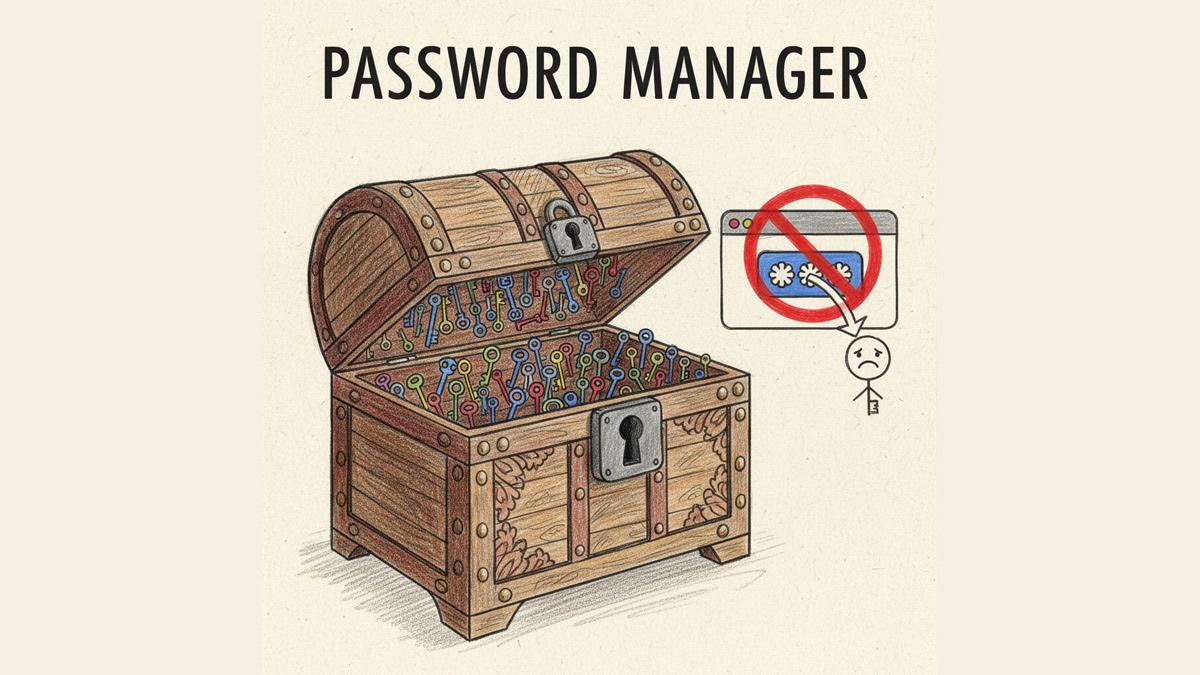
Remembering dozens of unique, 16-character passwords is impossible for a human but it's trivial for a password manager. These encrypted vault tools are the backbone of modern security.
i. Generate and store
A manager can generate strong, unique passwords for all your accounts and store them securely behind a single, master passphrase.
ii. Stop browser storage
Malware like 'infostealers' are specifically designed to scrape saved credentials from web browsers (Chrome, Edge, etc).
Security experts universally advise against relying on browser-based password storage. Switch to a dedicated password manager for maximum protection.
4. Malware prevention: Mitigating the infostealer threat
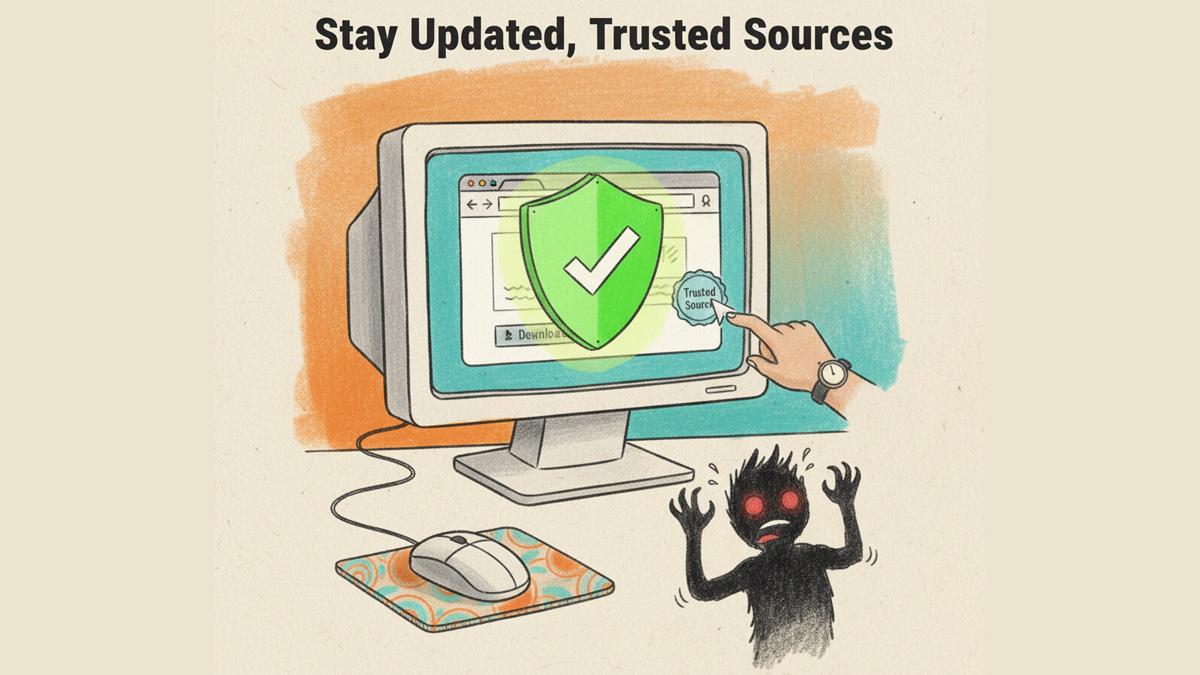
Email breaches underscore that the threat is often on your device, not just at the company level. Prevention is the chief mitigation against 'stealer' malware.
i. Update and protect: Keep your operating system, web browser and anti-virus software fully updated. These updates often contain critical security patches that block the methods 'infostealers' use to infect devices.
ii. Source your downloads: Only download software, browser extensions and attachments from reputable, verified sources. Malicious actors frequently disguise infostealers as legitimate software or phishing attachments.
iii. Be sceptical: Treat unsolicited emails, pop-ups and downloads with extreme suspicion.
5. Damage control: What to do after exposure
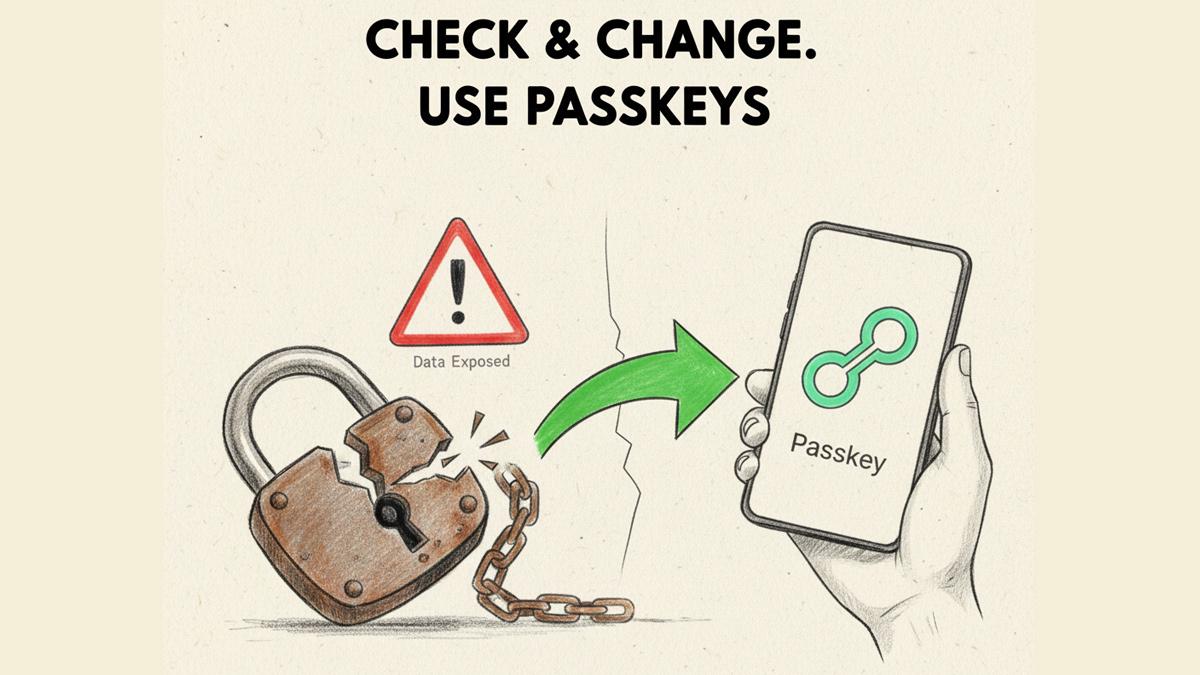
If a data leak is announced, immediate action is crucial to prevent credential stuffing attacks.
i. Check your status
Visit breach notification sites such as Have I Been Pwned (external link) and use tools like Google's Password Checkup to see if your email address or saved credentials have been exposed.
ii. Change immediately
If flagged, change the password on that account immediately. You must then change the password on every other account that used the same or a similar login.
iii. Adopt passkeys
As the industry moves toward password-less authentication, transition to passkeys (passkeys are a more secure and simpler alternative to passwords that use cryptographic keys tied to your device. They let you sign in using your fingerprint, face scan or screen lock (PIN), making them highly resistant to phishing and theft) wherever possible.
Passkeys are a stronger, safer alternative to passwords that use cryptographic pairs tied to your device, making them resistant to phishing and credential theft.








 © 2026