

Is your Android handset losing charge far too quickly?
We offer 7 clever tricks and easy settings adjustments that can significantly improve battery endurance, cut down hidden power consumption, and help your phone stay alive for longer from morning to night.

1. Switch On Adaptive Battery
One of the easiest ways to boost battery stamina is by activating Adaptive Battery, Android's intelligent power management feature. It observes your daily app habits and gently reins in those you rarely open.
Working silently in the background, the system prioritises essential apps while curbing unnecessary energy drain from the rest.
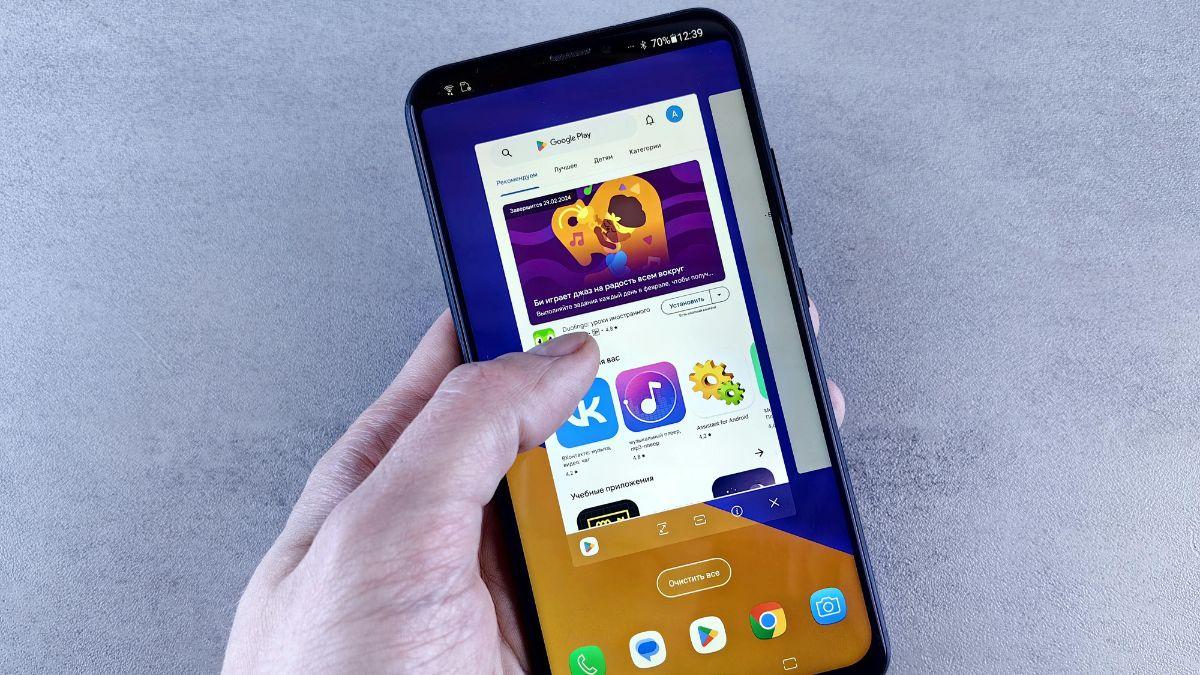
2. Stop Background Power Loss, Not Your Apps
Constantly swiping apps away can actually consume more energy than it saves. A smarter move is to head to Settings → Battery → App usage and identify which apps are draining power behind the scenes.
Limit background activity only for the real culprits -- social networking and online shopping apps are often to blame -- and you'll reduce battery drain without disrupting everyday use.

3. Get Your Screen's Power Use Under Control
Dialling down the refresh rate when you don't need it can make a noticeable difference.
Screen brightness is just as important -- letting adaptive brightness learn your habits helps keep the display lower in indoor settings. Shortening the screen timeout to 30 seconds or a minute also stops the phone from wasting power when it's sitting idle.

4. Turn Off Notifications
Always-on display, constant vibration feedback, and wake-on-lift features nibble away at battery all day. Disabling them quietly boosts endurance.

5. Use Battery Saver
Don't wait till 10 per cent battery reach. Turning Battery Saver on at 30 TO 40 per cent limits background activity early and can stretch usage by hours, especially on busy days.

6. Check Location And Connectivity Settings
Location tracking and wireless features can steadily drain power without drawing attention to themselves. Fortunately, Android offers fine-grained control over how apps access your whereabouts.
You can set permissions individually -- from continuous access to use-only or manual approval each time.

7. Update Apps
Keeping apps updated from the Play Store can stop unnecessary background processes without any manual tweaking. You can use your phone for longer.










 © 2026